Reproducible dev environments,
anywhere.

CodingBooth delivers fully reproducible, isolated development environments — anywhere, on any machine. One command. Your code, your UID, your workflow.

$ curl -fsSL https://codingbooth.io/install.sh | bash

Why CodingBooth?

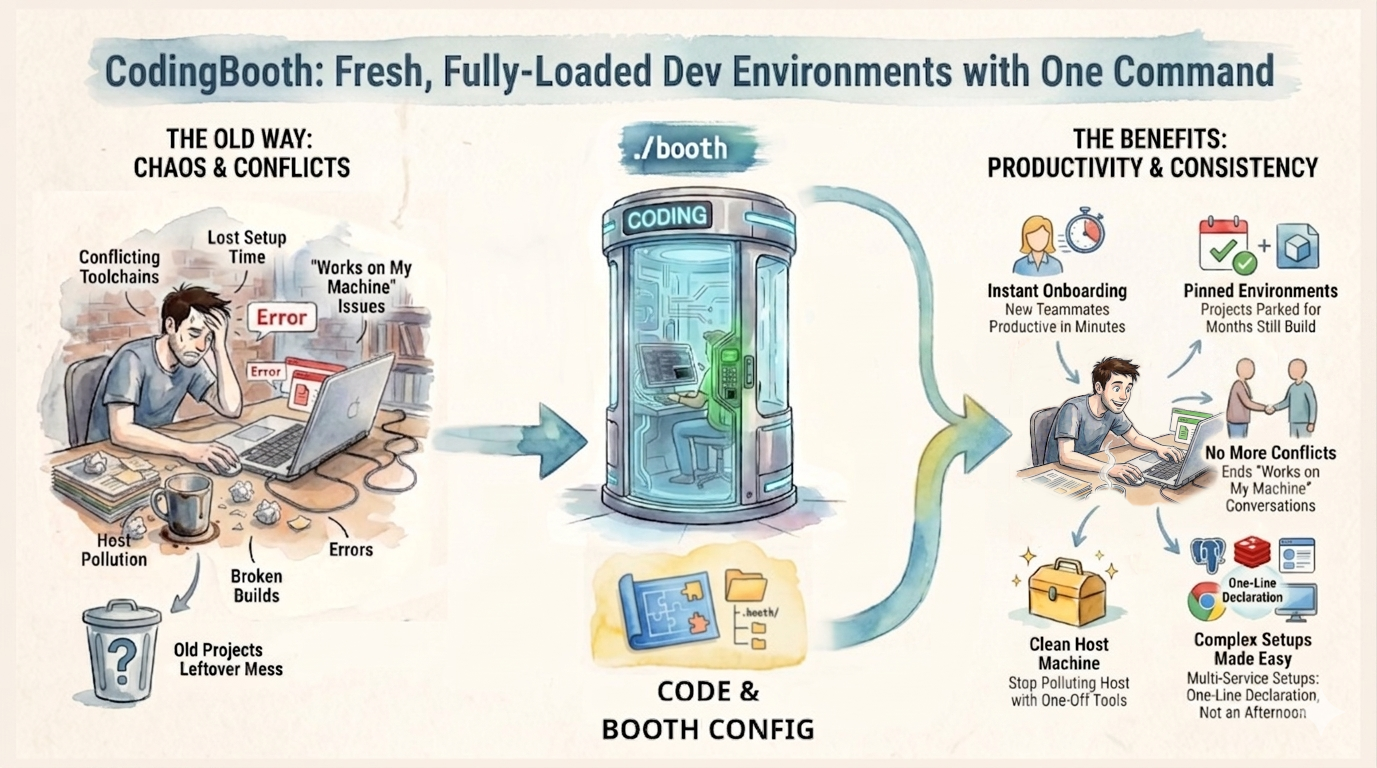
You've containerized your app. You've containerized your build. But your dev environment is still a mess of system-wide installs, mismatched versions, and onboarding docs no one ever revises. CodingBooth fixes that.

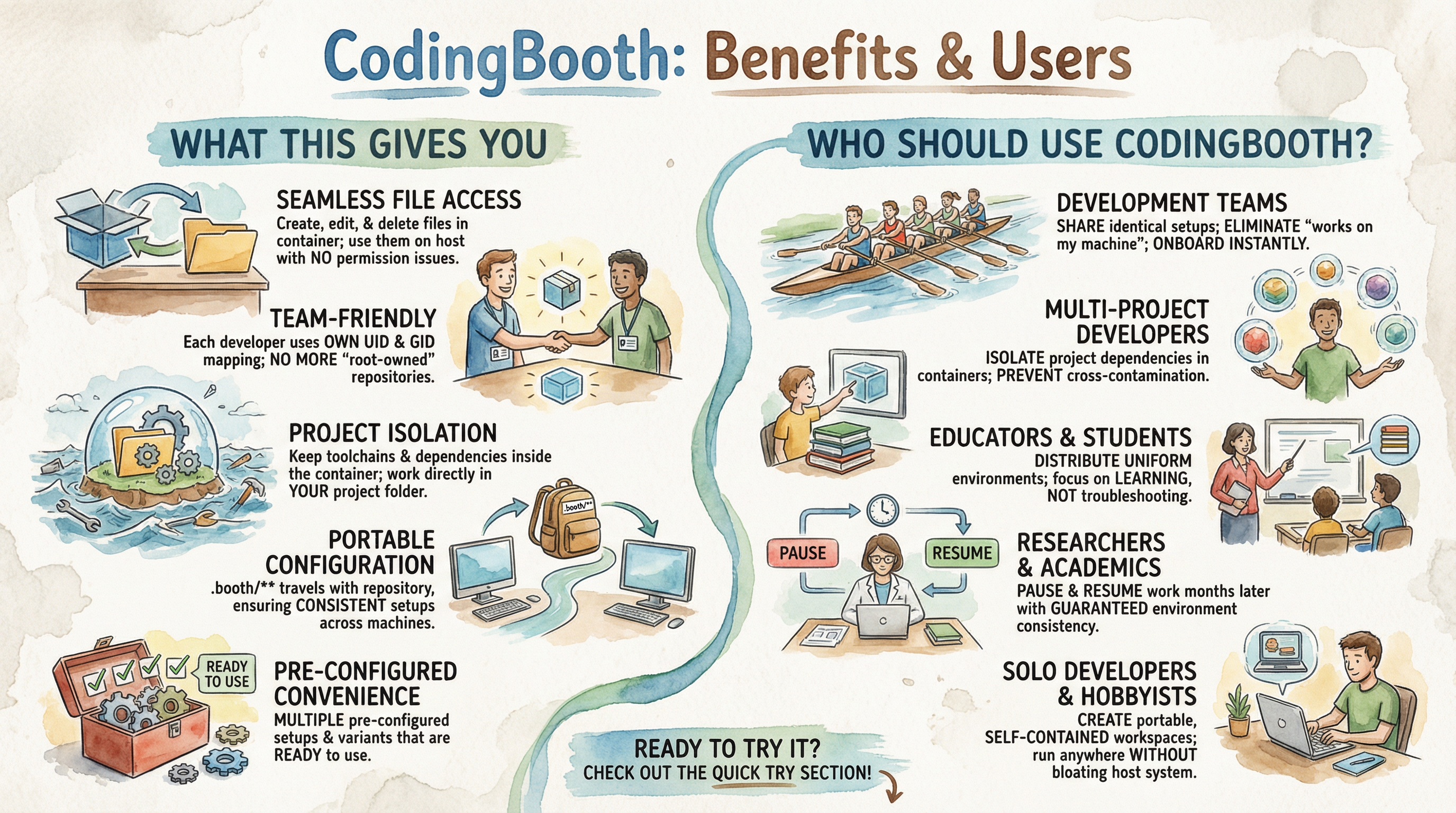
Files owned by you

The container's user is mapped to your host UID/GID. No more "root-owned" repositories.

Setup ships with the code

Everything lives in .booth/ in your repo. Onboard a teammate with one command.

Six UI variants

Browser-based VS Code, Jupyter Lab, XFCE / KDE desktops, terminal, or pure command passthrough.

75+ setup templates

Languages, cloud CLIs, AI tools, IDE extensions — compose them with a simple selection DSL.

Pause & resume, months later

Persistent home volumes and local cache mean your environment is exactly as you left it.

Sandboxable

Optional --sandboxed mode restricts egress to allowlisted domains via Envoy + iptables.

See it in action

A Snake game in Zig — built and run inside the booth on a host that has no Zig toolchain installed.

Watch the full demo on YouTube →

Pick your UI

Same underlying environment, six different presentations.

Base variant
Base
booth --variant base
Terminal variant
Terminal
booth --variant terminal
Notebook variant
Jupyter Notebook
booth --variant notebook
Code Server variant
VS Code (codeserver)
booth --variant codeserver
XFCE Desktop variant
XFCE Desktop
booth --variant desktop-xfce
KDE Desktop variant
KDE Desktop
booth --variant desktop-kde

Quick start

Three steps to a working booth.

  1. Install
    curl -fsSL https://codingbooth.io/install.sh | bash
  2. Try an example
    ./booth example list
    ./booth example try zig-snake my-snake
    cd my-snake
    ./booth
  3. Open the UI

    Visit http://localhost:10000 in your browser.

Or scaffold from scratch with booth config's interactive TUI — see the User Manual for the full feature reference.